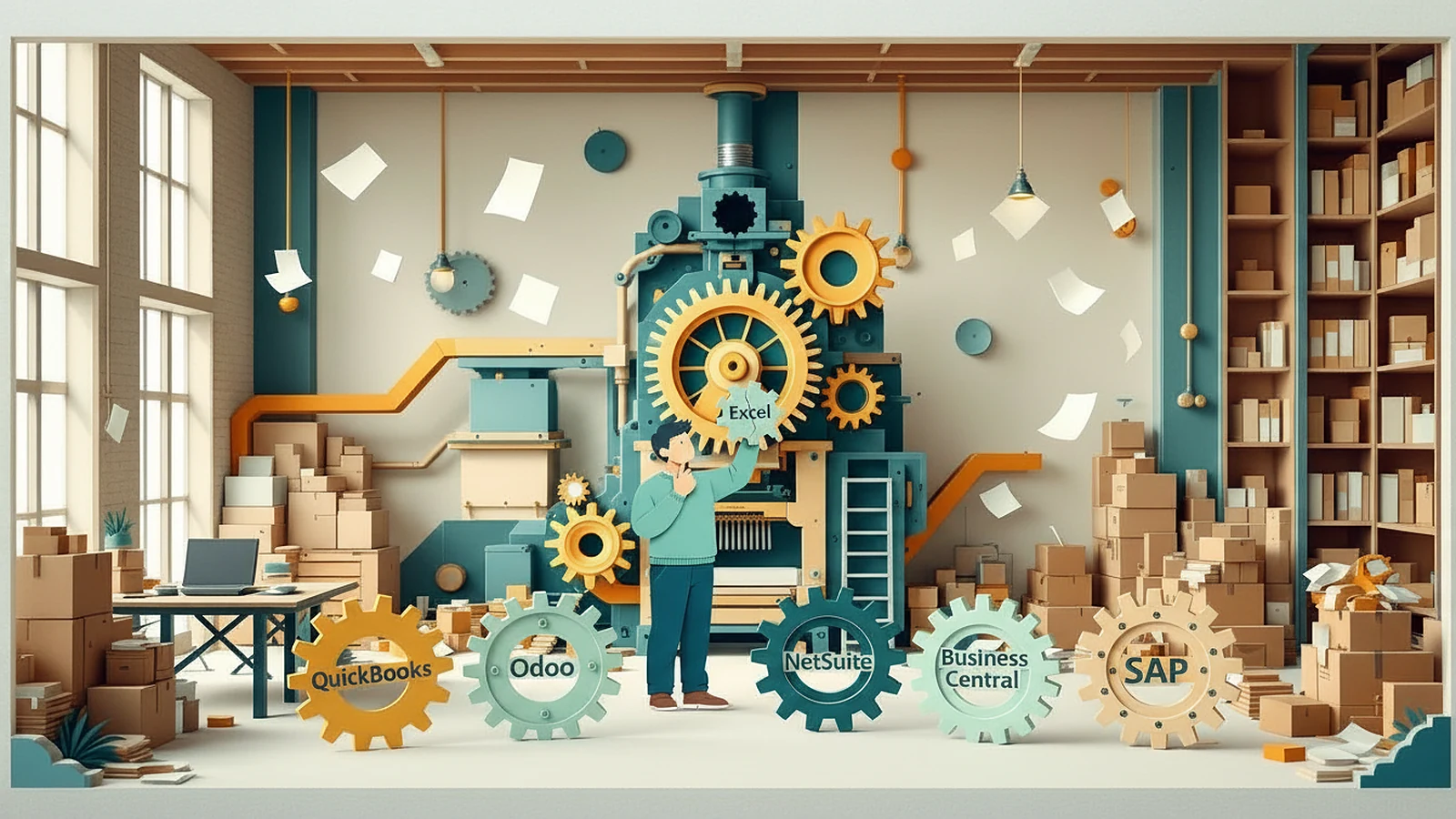
Choosing an ERP is one of the biggest operating decisions a growing brand makes. The right system lets finance, inventory, purchasing and orders work from the same numbers. The wrong one gets ripped out two years later, usually right when the company can least afford the disruption.
The good news: a well-chosen ERP covers about 80% of what most companies need. The other 20% is where rollouts succeed or fail, and most of it has nothing to do with the software.
This guide covers how to tell whether you need an ERP, when to move off QuickBooks, how the main platforms compare, and how to run the selection so the system fits the business.
Quick definitions
ERP (enterprise resource planning): one system that connects finance, inventory, purchasing, orders and reporting, so everyone works from the same numbers.
WMS (warehouse management system): the software that runs a warehouse: receiving, storage, picking, packing and shipping.
3PL (third-party logistics provider): an outside company that stores your inventory and ships your orders, usually on its own WMS.
Do I need an ERP?
What gets a company from zero to $10 million is rarely what gets it from $10 million to $50 million, and that includes systems. You probably need an ERP, or a plan for one, when:
- Your team spends hours every week reconciling numbers between systems.
- Inventory counts don’t match, and nobody can say why.
- The month-end close keeps getting longer.
- You’re adding channels at once: Amazon, retail, wholesale, your own store.
- A 3PL or contract manufacturer is in the picture and their data doesn’t flow into your books.
- A fundraise or an acquisition is on the horizon.
Revenue alone isn’t the trigger. A $3M brand selling in four channels with lot tracking can need an ERP before a $10M brand with one channel.
You may not need one yet. Many smaller brands run well on a connected stack: the store and marketplaces feed an order management tool, that tool feeds the 3PL, and everything flows into the accounting system. When that chain stops staying clean, it’s time to shop.
When to switch from QuickBooks to NetSuite
QuickBooks is a good accounting tool. It isn’t an operations platform. Brands outgrow it when they start bolting on inventory add-ons and spreadsheets to do work it was never built for.
The move usually makes sense when several of these land together:
- A retail program brings chargebacks and deductions to track.
- Your 3PL needs inventory that syncs with your books.
- You add a second brand or legal entity.
- You plan inventory across more than one warehouse.
- Month-end depends on manual reconciliation.
One trigger you can work around. Three at once usually means QuickBooks has become the bottleneck.
Before you migrate, fix the setup. In my experience, most “QuickBooks problems” are setup problems: units of measure that were never set up well, yield loss in manufacturing that isn’t captured, and no process to catch human error. A new ERP doesn’t fix those. You carry them with you.
NetSuite vs Dynamics vs SAP vs QuickBooks vs Odoo: which fits your stage?
There isn’t one right ERP. The right one depends on your stage, how complex your operation is, and who on your team will run it.
| Usually fits | Watch for | |
|---|---|---|
| QuickBooks Online | Early stage, simple operations, one channel | It’s accounting, not operations; inventory add-ons get messy |
| Odoo | Cost-conscious manufacturers who want modules they can grow into | It has to be built out to do what you need |
| NetSuite | The most common choice for product brands in the middle market | Needs qualified setup and a plan for what it doesn’t cover |
| Microsoft Dynamics 365 Business Central | Companies in the Microsoft world; strong on manufacturing | Cost and implementation effort |
| SAP Business One | Complex operations, manufacturing, several entities | Heavier rollout; usually needs ongoing IT support |
An example of how the choice plays out: a manufacturer running QuickBooks Desktop, QuickBooks Online and an Odoo account nobody used looked at NetSuite, Dynamics and Xero. Dynamics was the strongest on manufacturing and too expensive for its stage. The better path was to build Odoo up to cover what QuickBooks Desktop did, then move accounting to QuickBooks Online. And no system owns a bill of materials or a purchase decision. Someone on the team still has to.
How to choose an ERP: a step-by-step process
- Map your processes first. Order to cash, procure to pay, plan to produce, record to report. Design the process, then configure the system to enforce it.
- List every integration. Your store, Amazon Seller or Vendor Central, your 3PL’s WMS, EDI with retailers, your contract manufacturer, your payroll and banking.
- Write must-haves by team. Finance, operations, sales and customer service each name the few things the system has to do on day one.
- Shortlist two or three platforms that fit your stage and budget.
- Run scripted demos with your own data. Ask each vendor to walk through your real orders, your units of measure and your month-end, not their sample company.
- Price the total cost. Licenses, implementation, data migration, integrations, training and ongoing support.
- Check references from companies at your size, in your industry and with your channel mix.
- Plan the rollout in phases, with an owner on your team for every phase.
Common ERP rollout mistakes
- Migrating data before fixing the process. Six months after go-live, people are still running shadow spreadsheets because nobody fixed the processes first.
- Rushing data migration. Dirty item masters, units of measure and costing carry straight into the new system.
- Scoping integrations too narrowly. Amazon, the 3PL and retail EDI are where most surprises live. Done well, they pay back: at Yondr, tying order management to the 3PL got forecasting to near 100% accuracy with more than a year of forward visibility.
- Under-training the team. The right ERP is the one your team can actually run.
- Treating go-live as the finish. Plan for the months of adoption after it.
- Bolting on AI too early. Systems and AI should make people more efficient, not replace them. On top of a messy ERP, AI only makes the mess faster.
ERP and getting ready for a raise or an exit
Your ERP is the base of your financial reporting. How you set up the chart of accounts, inventory costing and reporting decides what your board, investors and buyers see later. When a buyer asks for three years of revenue by channel, gross margin by product and inventory aging, a well-built ERP produces it quickly. A patchwork of tools turns that request into weeks of work and less confidence in the numbers.
If a raise or a sale is 12 to 24 months out, set the ERP up for it now: a clean chart of accounts, a consistent costing method and reports built around the questions investors ask.
ERP for MedTech and regulated products
Medical device and other regulated companies have requirements a standard ERP setup may not cover. Before you sign, check what the ERP or your quality system handles:
- Lot and serial traceability
- Device history records
- Document control with audit trails and electronic records (21 CFR Part 11)
- Supplier qualification
- Complaints, nonconformances and corrective actions
Some platforms do this natively. Others need a separate quality system connected to the ERP. Knowing which you need changes the price and the rollout plan.
ERP for CPG, pet and consumer brands
Consumer brands need three things from an ERP: lot tracking for recalls and quality, demand planning for seasonality, promotions and retailer replenishment, and clean data from contract manufacturers.
Channels are the other half. Amazon orders, retail replenishment and your own store all pull on the same inventory, and each has to map to the right cost of goods. Getting that flow right at the start saves a lot of rework later.
How PILTA helps
At PILTA, we pair fractional executives, vetted leaders, and modular expert teams with businesses to help them grow and scale. On ERP work, the people who help you choose the system stay to set it up, connect it to your store, your marketplaces and your 3PL, and train your team, as a project, a fractional executive or an embedded team. We work through the 4D Method™: Diagnose, Design, Develop, Deploy.
Frequently asked questions
Do I need an ERP, or is QuickBooks enough?
QuickBooks is enough for simple operations, one or two channels and clean data. You need more when several channels, a 3PL, contract manufacturers, more than one entity or a coming fundraise all land at once.
What does an ERP consultant do?
An ERP consultant helps you choose a system, maps your processes, sets the system up, moves your data, connects it to your other tools and trains your team. The difference that matters is whether they hand you a recommendation and leave, or stay to own the rollout with you.
What is the best ERP for a growing CPG brand?
For most growing product brands in the middle market, NetSuite is the most common choice. Manufacturers on a tighter budget often look at Odoo, and companies already on Microsoft look at Dynamics. The right answer depends on your channels, your manufacturing and who will run it.
When should I switch from QuickBooks to NetSuite?
When the triggers stack up: retail chargebacks, a 3PL that needs synced inventory, a second entity, inventory across several warehouses, or a pile of add-ons and spreadsheets holding QuickBooks together.
Should we roll out everything at once or in phases?
A phased rollout, usually finance first, then inventory and orders, then integrations, lowers the risk for a growing company. Your team learns the system step by step, and problems get fixed before the next layer goes on.
Can a fractional executive lead an ERP rollout?
Yes. A fractional operator brings senior ERP experience without a full-time systems hire or a large consulting firm, and stays accountable for the result.
Thoughtful experts, building with you, when you need it. Book a free 15-minute call with PILTA, or reach the team at ContactUS@pilta.com.
See if PILTA can help. Get on a call with the PILTA Founder and CEO Ryan or one of our expert executives and strategists. No cost, no obligation, just 15 minutes of your time.